 AI Character
AI character creator
Most image tools give you a new face every time you press the button. An AI character creator is different: you build the character first, and every later render starts from that same reference. Here that reference is a turnaround sheet drawn from your words, or the images you upload. From then on, scenes and clips keep the face, the outfit and the proportions you decided on.
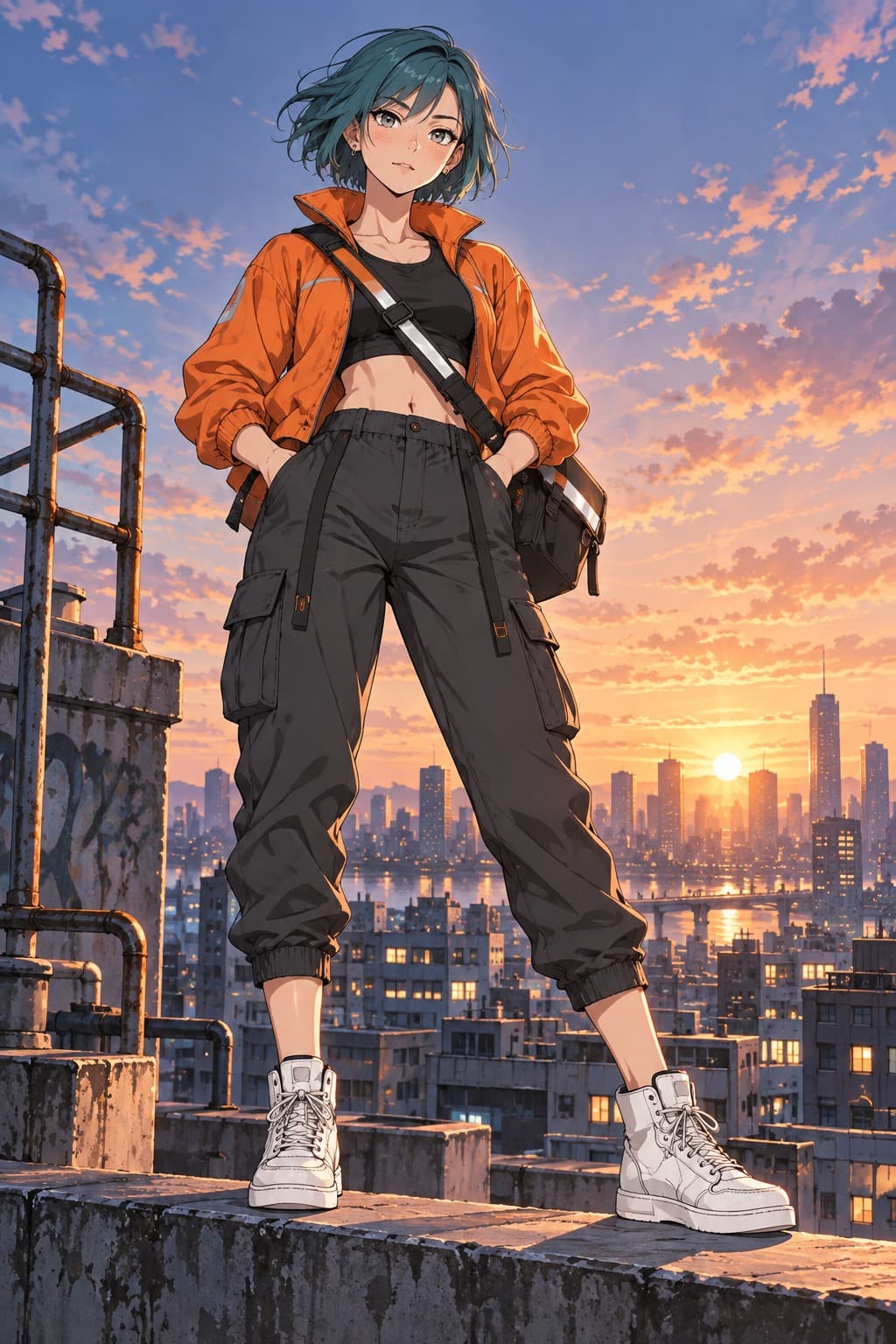
Two ways to start
Describe mode takes a name, a style and up to 600 characters of description. Write what the character looks like, what they wear and how they carry themselves. The service renders a turnaround sheet from that text: front, side and back views on one canvas, in the style you picked. That sheet becomes the character's primary reference.
Upload mode skips the sheet. Drop in one to ten images you already have, such as your own sketches, a commissioned design, or photos of a costume, and the character is built from those. You can mix the two later: pin any finished render as an extra reference, or remove references that pull the look in the wrong direction.
What a good description includes
Face and hair first: shape, skin tone, eye colour, hairstyle and length. Then the outfit, top to bottom, with one or two textures or materials named. Then one line for posture or attitude, because it changes how the sheet is drawn. Avoid lists of adjectives with no nouns; the renderer needs things it can draw.
Leave the scene out of the description. A character description that says "standing on a cliff at sunset" will bake that cliff into the sheet. Keep the sheet neutral and put the cliff in a scene prompt later.
Scenes and clips from the same character
Once the sheet exists, the studio opens. Type a scene, pick a shape (square, portrait, landscape, tall or wide) and a quality tier, and render. Every image is generated with the character's references attached, so the result is the same person in a new place. Images can be edited with a sentence, upscaled to 2K, 4K or print size, or pinned as references.
Clips work the same way. Animate any finished image with a line of motion, or write a scene and let the service draw the opening image before it animates. Clips run three to ten seconds at 360p up to 4K.
Who this is for
Writers who want a face for a protagonist, indie game teams blocking out a cast, streamers designing an avatar, marketers who need the same mascot across twenty posts, and anyone who has been frustrated by a tool that forgets what the character looked like. The credit model is simple: a rough sheet costs five credits, a clean one twenty-two, and new accounts start with thirty free credits.
Questions
Do I need to draw anything?
No. A text description is enough; the service draws the turnaround sheet. If you do have art or photos, upload mode uses them instead.
How long does the first sheet take?
Usually under a minute. Detailed sheets can take a little longer. You can leave the page and come back; the character will be waiting.
Can I change the character after it exists?
Yes. Rename it, rewrite the description, switch the style label, pin new references or remove old ones from the studio.
Is there a free tier?
New accounts receive 30 free credits, enough for a rough sheet and a handful of rough scenes before you decide on a plan.
More ways to use it
Start with one paragraph.
Describe the character, pick a style, and the sheet is drawn in about a minute.
Make a character