 AI Character
Cartoon character generator
Cartoon characters live or die on shape. A good one reads at thumbnail size: a clear silhouette, two or three colours, an expression you can see from across the room. The cartoon style here leans into that: bold 2D shapes, thick outlines, flat fills, and a design that stays the same whether the character is on a surfboard or at a desk.
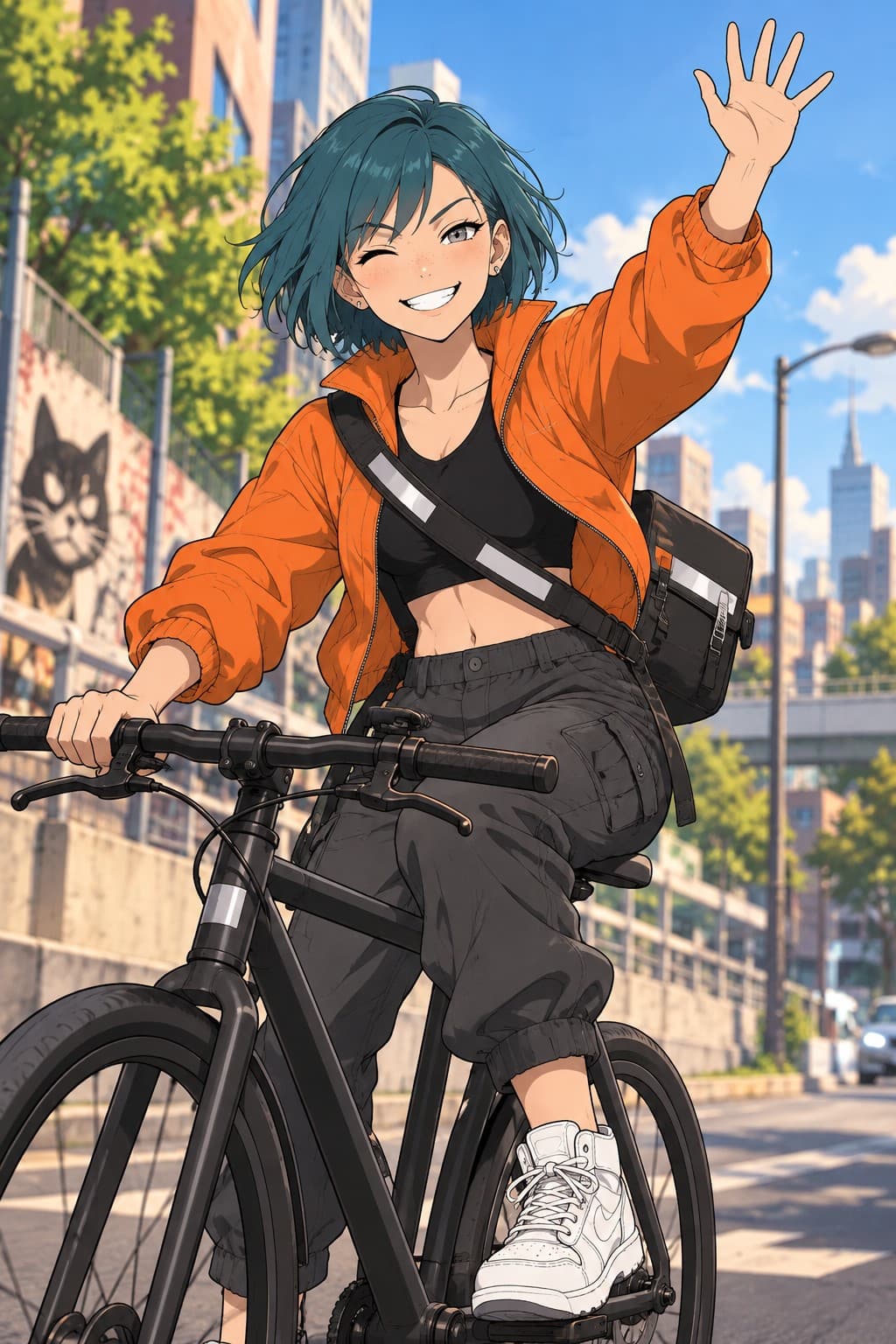
Designing for the cartoon style
Describe shapes, not textures. "Round body, tiny legs, huge round glasses, one tuft of hair" renders beautifully; "intricate embroidered vest" fights the style. Pick two or three colours and name them. Choose one exaggerated feature: big hands, long neck, enormous eyebrows. The sheet will carry that exaggeration through the front, side and back views.
Scenes that suit cartoons
Cartoon scenes benefit from a clear action verb and a simple setting. "Tripping over a garden hose, flowers flying", "holding a tray of wobbling drinks", "peeking from behind a curtain". Square and landscape shapes give the character room for props and motion lines. Keep lighting simple; dramatic chiaroscuro belongs to the comic style.
For a set of stickers or reactions, render six to eight square scenes of the character with different expressions on a plain background, then upscale and crop. The chibi style is a close cousin if you want an even cuter version of the same design.
Short cartoon clips
Animate a finished render with a short motion prompt: "waves both arms", "jumps and lands with a bounce", "blinks and tilts head". Cartoon motion reads best when it is simple and repeated, so three to five seconds at 720p is usually plenty for a social post or a chat reaction.
Where cartoon characters end up
Explainer videos, kids' content, brand mascots, stream overlays, classroom material, birthday cards. Because the design is pinned to references, you can come back months later and render a new scene that matches the originals.
Keeping a cartoon on-model
Cartoon designs are forgiving in some ways and strict in others: nobody minds a slightly different pose, but a changed eye shape or a missing tuft of hair is obvious. After the sheet, render a close-up and a full-body scene at Rough and check those signature features. Pin the close-up as a reference. From then on, scene prompts can be short and playful, because the references do the work of keeping the character on-model.
Avoid asking for photographic lighting or realistic textures in a cartoon scene; it pulls the style toward something in between. Flat colour, bold shapes and simple props keep it clean.
A quick test for any cartoon design: shrink the sheet to the size of a coin. If you can still tell who it is from the silhouette and the two main colours, the design will survive thumbnails, app icons and the corner of a video. If not, exaggerate one feature further or simplify the outfit, update the description and render the sheet again at Rough before committing to Clean.
Questions
Is cartoon the same as anime?
No. Anime keeps finer line art and detailed eyes; cartoon pushes bolder, simpler shapes with thick outlines and flat colour.
Can I get transparent backgrounds?
Renders are JPEG with a background. Ask for a plain white background in the prompt and remove it in your editor of choice.
Can I make an animal or an object a character?
Yes. Describe it the same way: shapes, colours, one exaggerated feature.
How much does a cartoon scene cost?
The same as any image: 5 credits rough, 22 clean, 80 detailed.
More ways to use it
Start with one paragraph.
Describe the character, pick a style, and the sheet is drawn in about a minute.
Make a character