 AI Character
Game character generator
Game characters need to survive many contexts: a concept sheet, a portrait in the dialogue box, a key-art pose, a shop icon, a trailer shot. Build the character once here and all of those come from the same references. Pick pixel art for sprite-style studies, comic or anime for portraits, 3D or realistic for key art.
From concept to turnaround
Start with a class or role and the three things that signal it: silhouette, palette, signature prop. "A scrappy alchemist with goggles pushed up, a belt of rattling vials and a scorched apron" tells the renderer what to emphasise. The automatic sheet gives front, side and back views, which is what a modeller or animator wants to see first.
Pixel art and sprite studies
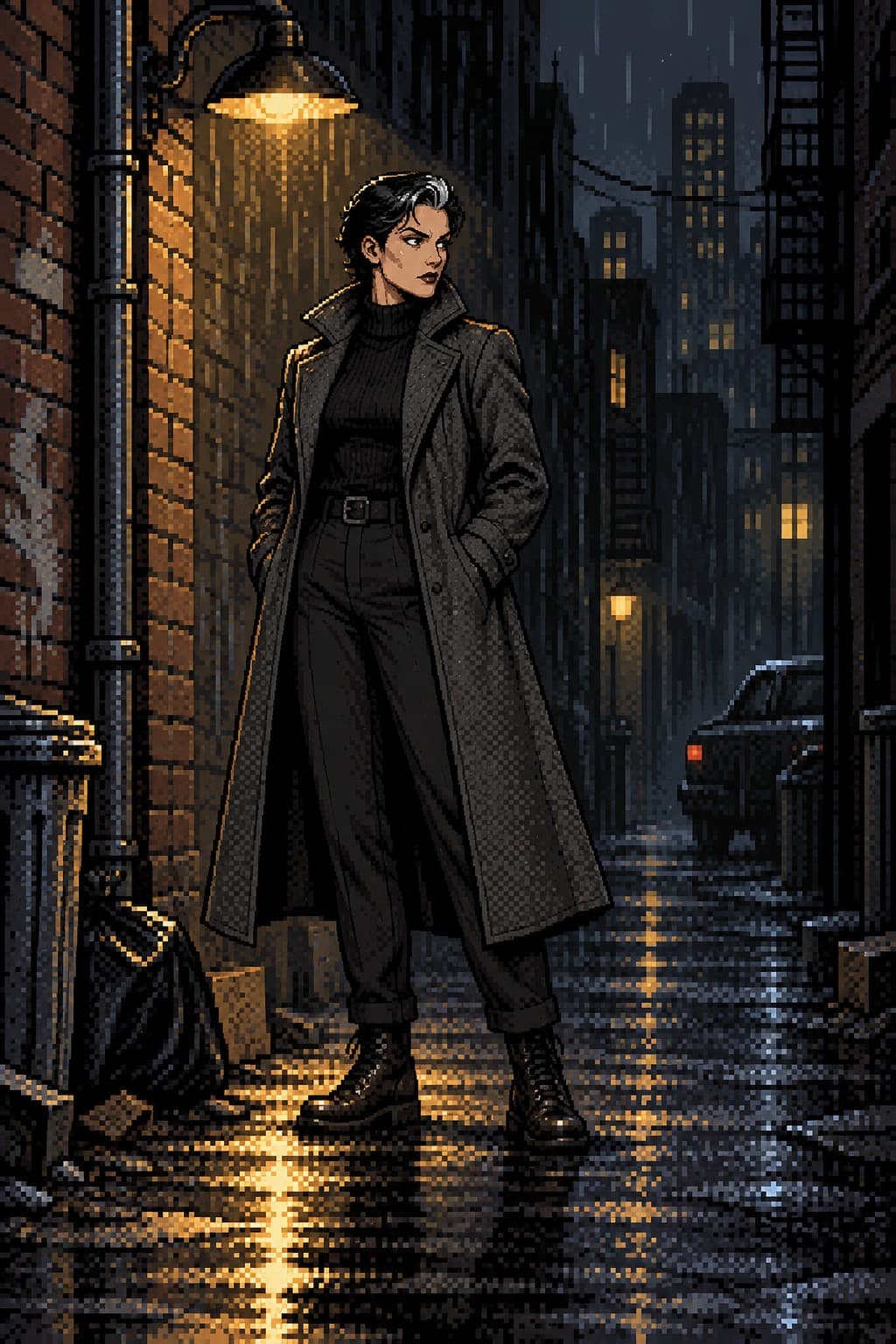
The pixel style renders the same design with a limited palette and chunky pixels. It is useful for mock-ups, store pages and mood boards, and for seeing how a design reads when it is thirty pixels tall. Ask for "idle pose, side view, plain background" or "four-direction walk frames on one sheet" to get sprite-like references. Treat them as concept work rather than engine-ready assets.
Portraits, key art and promo shots
Dialogue portraits want a square shape, a neutral background and two or three expressions. Key art wants a dramatic scene in 16:9 or 2:3 with Detailed quality so you can upscale it to print. Promo clips (a weapon flourish, a cape in wind, a reload) come from the Videos tab with a short motion line. Everything stays on-model because the references ride along with every request.
Casts and variants
Make one character per party member or enemy type; the characters page keeps them together. For armour tiers or skins, use Edit on a finished render ("replace the leather armour with blackened plate") and pin the result as a reference on a new character if the variant must stay stable.
A production-friendly order
Sheet first, at Clean, so everyone sees the same design. Then a square dialogue portrait, a pixel idle pose for the mock-up, and one piece of key art at Detailed. Pin the portrait as a reference so later renders keep the face. For an enemy roster, make each enemy as its own character and give each a one-line description that names its silhouette and colour; the characters page becomes your bestiary. Keep prompts short and name the camera; game art lives and dies on readable poses.
When you share renders with a team, download the sheet and the portrait at full size and keep the scene prompts next to them. The prompts are the fastest way for a teammate to reproduce a shot later, and they double as notes on what each render was meant to communicate: silhouette, palette, mood or scale.
Questions
Are pixel renders usable as sprites?
They are concept references rather than engine-ready sprite sheets. They are great for mock-ups and for sharing a design.
Can I keep armour variants consistent?
Yes. Edit a render to change the armour, then pin the result as a reference or spin it off into its own character.
What shape should key art be?
16:9 for wide banners, 2:3 for posters. Use Detailed and upscale to print.
Can I make monsters and creatures?
Yes. Describe anatomy, scale cues and materials plainly, and pick the style that fits the game's look.
More ways to use it
Start with one paragraph.
Describe the character, pick a style, and the sheet is drawn in about a minute.
Make a character