 AI Character
Original character generator
An original character starts as a paragraph in a notebook: name, look, the one thing that makes them yours. This generator turns that paragraph into a reference sheet, then keeps the design fixed while you put your OC into scene after scene. No borrowed designs, no franchise lookalikes: the character is built from your words or your art.
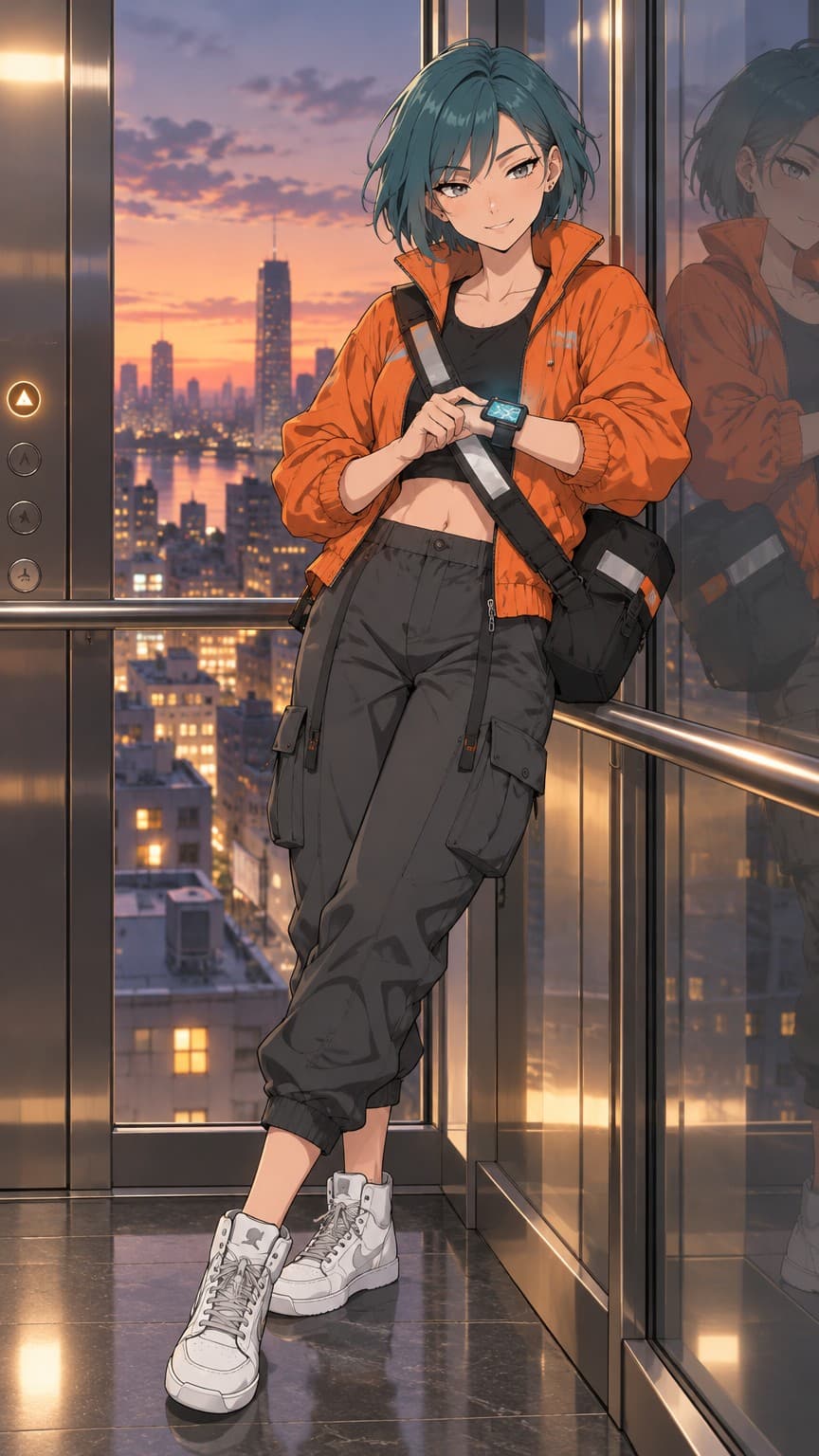
Writing an OC description that renders well
Lead with the things people notice first: hair colour and cut, eye colour, build, skin tone. Then the signature outfit and any accessory that defines the character, such as a scarf, a pair of goggles, a bandaged hand. End with mood. Keep it under 600 characters and leave the backstory out; the renderer draws what it can see.
If your OC has a non-human feature (horns, a tail, pointed ears, glowing marks), name it plainly and say where it is. "Small curved horns above the temples" is better than "demonic vibes".
Pick the style that fits the OC
Anime and comic styles keep line art crisp and suit most OCs that began as drawings. 3D gives a rendered film look with soft lighting. Cartoon pushes shapes bolder and simpler; chibi makes a companion version for stickers and icons. Painterly and realistic suit mature or grounded designs. The style is a label on the character, so you can try another one on a later scene without starting over.
Fill out a profile with scenes
A good OC profile has a portrait, a full-body shot, two or three mood scenes and an expression or two. Render those from the studio with different shapes: square for icons, portrait for profile images, wide for banners. Add a short clip (a turn, a wave, a blink) for a social post. Everything is downloadable and upscalable.
Keep the design yours
The description and references stay on your account, and the output is yours to use under the terms of service. If you later refine the design, edit a render, pin it as a reference and remove the old one. The OC evolves without losing its identity.
Before you render
Read your description out loud and check that every sentence describes something visible. Cut words like "mysterious" or "tragic" and replace them with what they look like: a hood pulled low, a bandaged forearm, tired eyes. Decide on one or two colours that belong to the character and name them. Then pick a tier. Rough is enough for a first sheet; once the design feels right, make the Clean one and keep it. The free credits on a new account are enough to do exactly this once.
Questions
Can I upload my own OC art instead?
Yes. Upload mode accepts one to ten images, sketches included. The character is then built from your art rather than a generated sheet.
Do I own my OC renders?
You own the output you create, as described in the terms of service. Copyright law varies by country, so consult a lawyer for your situation.
Can my OC have unusual features?
Horns, tails, pointed ears, markings and similar features render well when you name them plainly and say where they sit.
Can I make several OCs?
As many as you like. Each has its own references and studio.
More ways to use it
Start with one paragraph.
Describe the character, pick a style, and the sheet is drawn in about a minute.
Make a character