 AI Character
AI mascot maker
A mascot only works if it is the same every time it shows up. This maker builds the mascot once, from a description or your existing artwork, and then renders it on demand: holiday posts, onboarding screens, 404 pages, sticker packs, a wave in a short clip. The design stays fixed because every render carries the mascot's references.
Designing a mascot that lasts
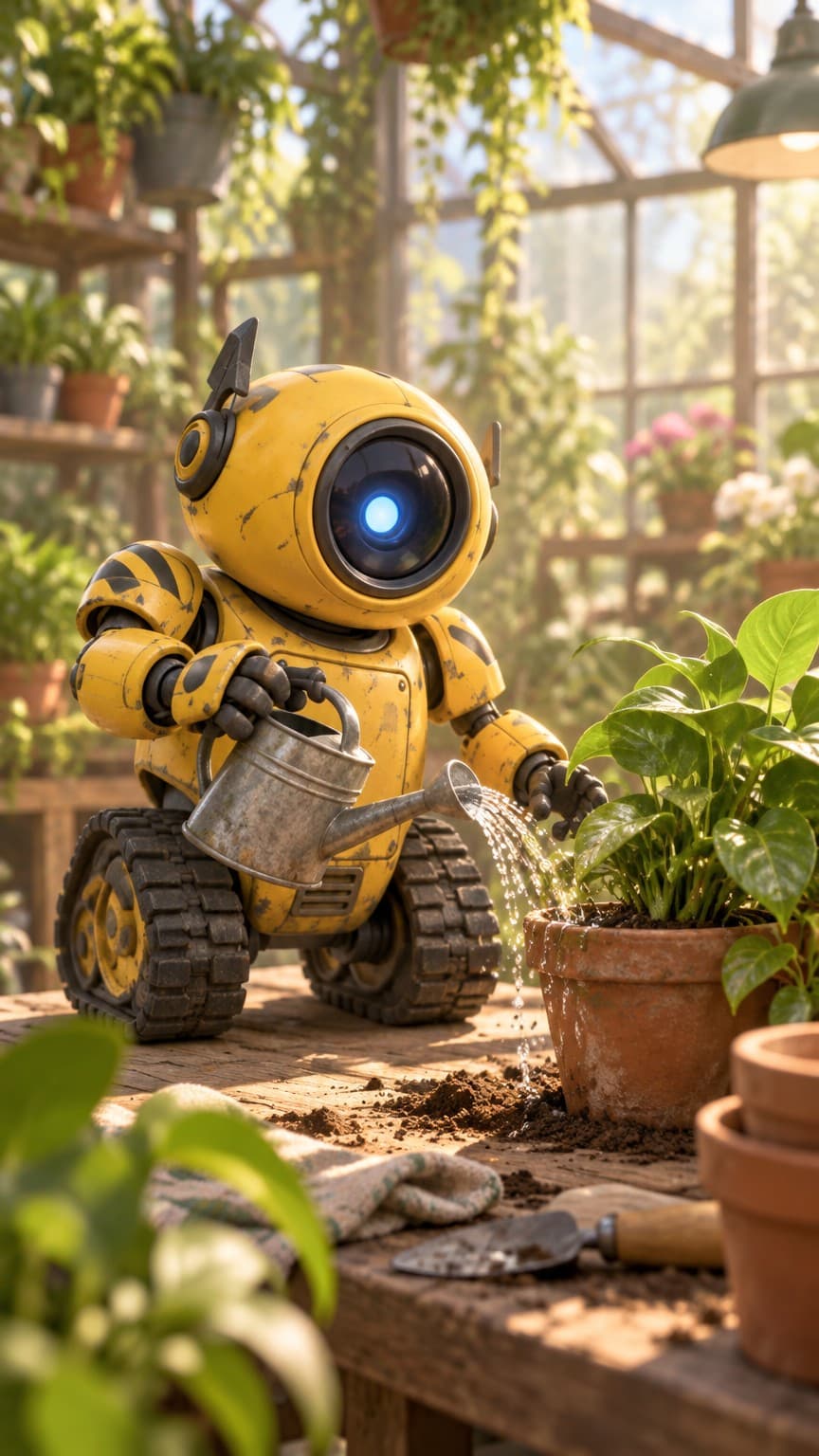
Keep it simple and symmetric where possible, with two brand colours and one memorable feature (a single lens-eye, a leaf for hair, square glasses). Say what the mascot is: a robot, an owl, a cloud, a bean with legs. The cartoon, 3D and chibi styles are the usual picks; 3D gives a premium rendered look, cartoon keeps it flat and friendly, chibi makes it cute.
If you already have a mascot, use upload mode with your existing art. The maker will keep the design and let you render new scenes rather than redesigning it.
A year of posts from one character
Think in scenes: "holding a giant calendar", "wearing a party hat beside a cake", "sitting at a laptop with a coffee", "carrying a stack of boxes", "waving from a hammock". Square for feeds, 9:16 for stories, 16:9 for banners. Rough is fine for drafts; Clean for anything published. Edit lets you tweak a prop without re-rolling the scene.
Mascot clips
Animate a finished render with a short line: "waves and blinks", "nods twice", "jumps and lands softly". Three to five seconds at 720p covers most social uses; use 1080p for a website hero loop. The clip's opening image is one of your finished renders, so it matches the stills around it.
Export and ownership
Downloads are standard image and video files. Upscale hero images to 4K or print size for packaging and events. You own the output you create, as set out in the terms of service; the mascot's description and references remain on your account.
Keeping a mascot on-brand
Write the brand colours into the description by name and keep them in scene prompts when the background matters ("plain mint background"). Render the mascot's "hero pose" once at Detailed, upscale it and pin it as a reference; it becomes the canonical version everyone compares against. For seasonal posts, change only the props and the setting, not the mascot. If a redesign is ever needed, make a new character rather than editing the old one, so the archive stays consistent.
For a campaign with many posts, draft every scene prompt in a document first, render the whole batch at Rough in one sitting, pick the keepers and re-render only those at Clean. It keeps the series visually consistent and avoids spending credits on scenes you will not publish.
Questions
Can I use my existing mascot art?
Yes. Upload one to ten images in upload mode and the maker will treat them as the mascot's references.
Can the mascot hold text or signs?
Ask for a sign in the scene prompt. Short words render best; long text may need a touch-up in your editor.
Which style is best for a mascot?
Cartoon for flat and friendly, 3D for a rendered premium look, chibi for extra cute. All keep the design consistent.
Can I use it commercially?
The terms of service grant you the right to use what you create. Copyright law varies by country; consult a lawyer if you need certainty.
More ways to use it
Start with one paragraph.
Describe the character, pick a style, and the sheet is drawn in about a minute.
Make a character