 AI Character
Animated character video generator
Once a character exists, a clip is one more step. Pick a finished image and describe the motion, or write a scene and let the service render the opening image before it animates. Clips run three to ten seconds at 360p, 720p, 1080p or 4K, and the character's references keep the face and outfit steady from the opening image to the last frame.
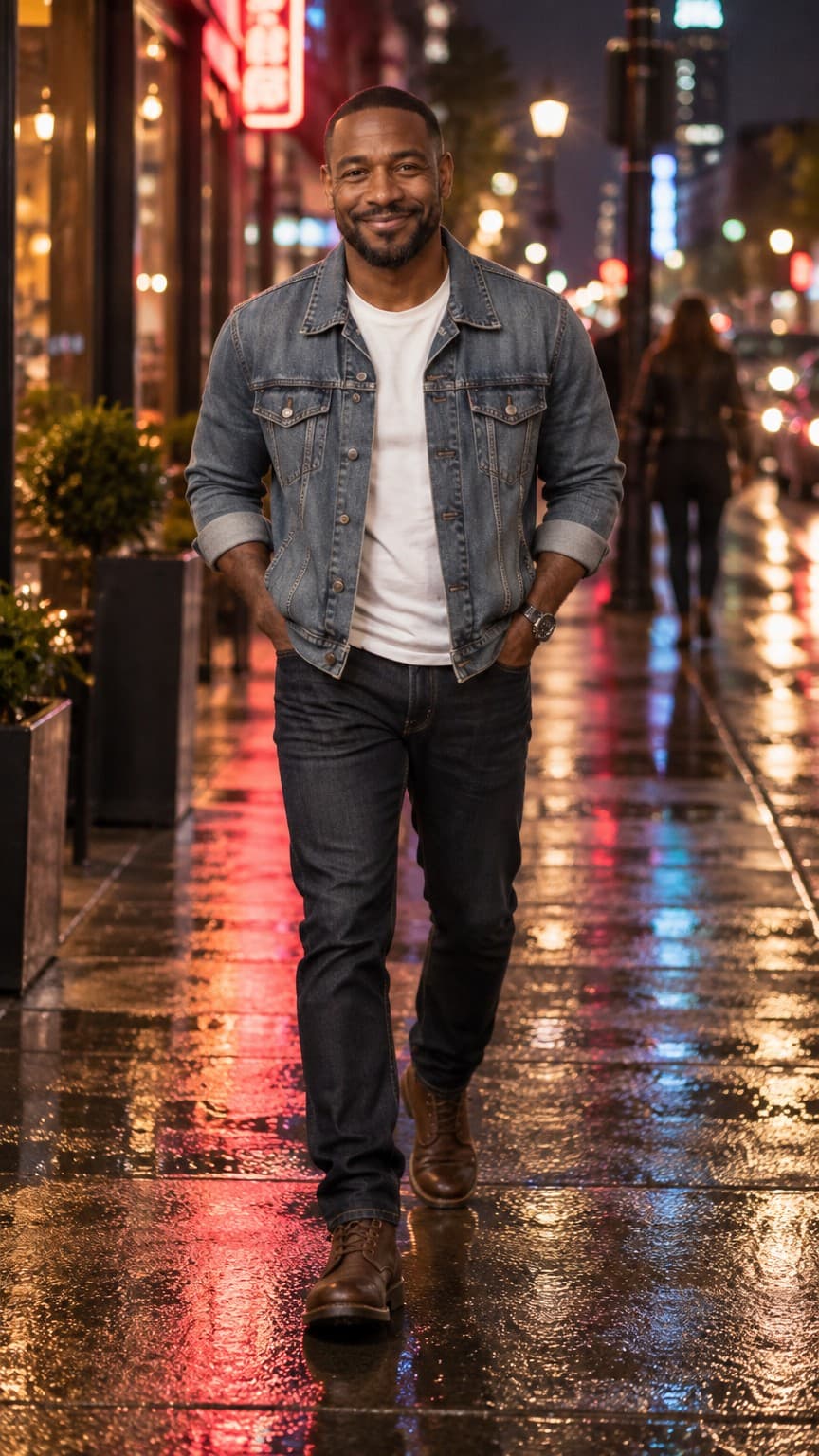
Animate an image
This is the most reliable path. Choose any finished render from the character's images, add an optional motion line ("turns to the camera and smiles", "wind lifts the hair", "slow push-in while she looks up"), set resolution and length, and render. Because the clip starts from a still you already approved, there are no surprises about the look. The clip inherits the image's shape.
Write a scene
If you do not have the right still yet, write the scene and an optional motion line and choose 9:16 or 16:9. The service renders the opening image first, with the character's references, and saves it as a real image you keep. Then it animates that image. The cost is the per-second video rate plus one image at the tier matched to the resolution (360p uses Rough, the others use Clean).
Resolution, length and cost
Per second: 360p costs 8 credits, 720p 27, 1080p 40 and 4K 80. The studio shows the total before you render. Test motion ideas at 360p or 720p and 3–4 seconds; move to 1080p for a final social post and 4K only when the clip will be shown large. Credits are only returned if a request is stopped before it reaches the model; once sent, failed or rejected renders are not refunded.
While it renders
Clips take a few minutes. The Videos tab shows a rendering card with elapsed time and checks for the result every few seconds. When it finishes, the clip plays inline, muted; tap it for sound. Download it from the card, or delete it if it missed. The opening image of a written scene stays in the Images tab so you can animate it again with a different motion.
Motion prompts that work
One subject, one action, one camera note. "She turns to the camera and smiles; slow push-in" works. A paragraph of choreography does not. Avoid asking for big changes of pose or location in a short clip; the renderer is best at small, continuous motion: turning, breathing, blinking, hair and cloth in wind, a hand gesture, a slow camera move. If you want a different setting, render it as an image first and animate that.
Resolution and shape should match where the clip will live: 9:16 at 720p or 1080p for short-form social, 16:9 at 1080p for a website hero or a trailer, and 4K only for large screens. The studio shows the total credits before you start, so adjust length and resolution until the number fits your plan.
Questions
How long can a clip be?
Three to ten seconds. Eight is the default.
Does the clip keep the character consistent?
Animating a finished image is the most stable option because the clip starts from a still that already matches the references.
What happens if a clip fails?
The card shows the error. Credits come back only if the request was stopped before reaching the model.
Can I add sound?
Clips are generated without a soundtrack. Add audio in your editor.
More ways to use it
Start with one paragraph.
Describe the character, pick a style, and the sheet is drawn in about a minute.
Make a character