 AI Character
Comic character creator
Comics punish inconsistency: the reader sees the same character forty times on a page. The comic style here renders with inked lines, hard shadows and a touch of halftone, and the character's references travel with every panel request, so the jaw, the coat and the scar stay put from panel one to the last page.
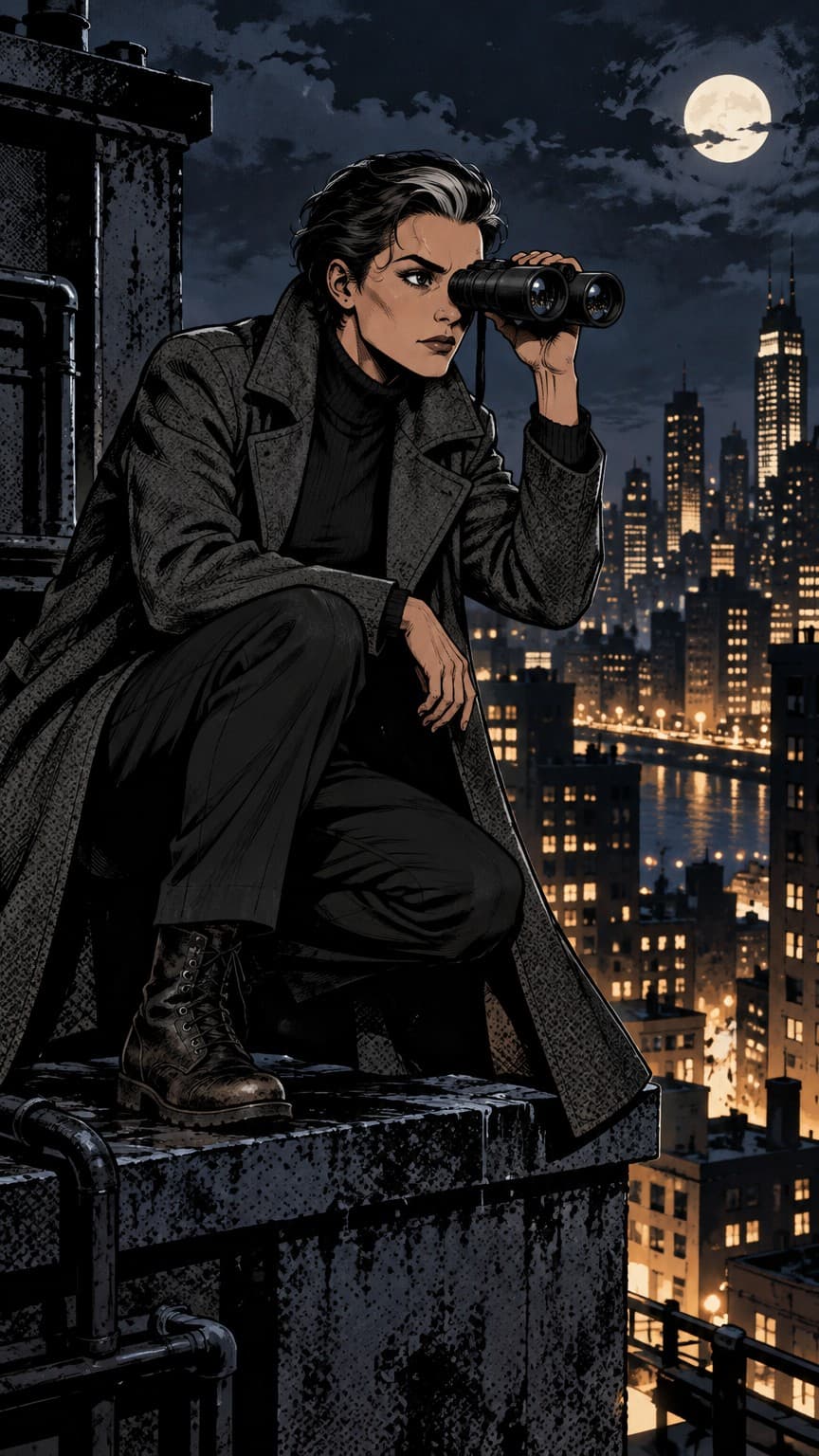
Designing for ink
Think in blacks. A comic character needs shapes that can hold a heavy shadow: a long coat, a hood, a strong brow, a hat. Describe the costume with contrast in mind ("dark coat, pale shirt") and name one detail the inker can repeat, like a scar through an eyebrow or a chain on the belt. The turnaround sheet comes back in ink with those shapes resolved from all sides.
Panels, not just portraits
Scene prompts should include the shot and the mood: "medium shot, under a streetlamp, rain, looking over her shoulder", "extreme close-up on the eyes, hard shadow across the face", "wide establishing shot of a diner at night, character small at the counter". Use 3:2 or 16:9 for wide panels and 2:3 for tall ones. Render at Clean for interior pages and Detailed for covers you intend to print.
Keep the character's description out of the panel prompt; the references handle identity. Mention expression and body language instead.
Covers and pin-ups
Covers want a strong pose, a dramatic angle and a simple background that leaves room for a title. Prompt with "cover composition, low angle, negative space at the top". Upscale the winner to print size. For variant covers, use Edit to swap the background or lighting without touching the figure.
Motion comics
A finished panel can be animated into a short clip: rain streaking past, a slow push-in, the character turning to face the reader. These short motion clips make good teasers for a webcomic or a crowdfunding page. Keep motion restrained so the inked look holds.
Sequence planning
Before rendering a page, write every panel's prompt in a list with its shape. Render the whole page at Rough, lay the panels out, and only then re-render the keepers at Clean. This avoids paying for finals you will crop or cut. Keep lighting consistent within a scene ("same streetlamp from the left") and vary the shot size between panels: wide, medium, close. The references hold the character; your prompts handle the staging.
For a recurring series, keep a short style note at the top of every prompt ("heavy inks, slight halftone, night") so pages rendered weeks apart match. The references keep the character the same; the note keeps the rendering language the same, which is what makes a series feel like one book.
Questions
Can I get black-and-white line art?
Yes. Ask for "black and white inks, no colour" in the scene prompt.
Does the style include halftone?
A little, by default. You can ask for more or none in the prompt.
How do I keep a scar or tattoo consistent?
Put it in the character description and pin a render where it is clearly visible as a reference.
Can I render multiple characters in one panel?
Each character has its own references, so renders are strongest with one character per image. For group shots, describe the others in the prompt.
More ways to use it
Start with one paragraph.
Describe the character, pick a style, and the sheet is drawn in about a minute.
Make a character