 AI Character
VTuber character generator
A VTuber avatar is a character you will wear for years, so the design deserves iteration before anyone rigs it. This generator makes the concept fast: describe the avatar, get an anime-style turnaround sheet, then render expressions, alternate outfits, panel art and short clips, all from the same references. Hand the sheet to your rigger when the design is right.
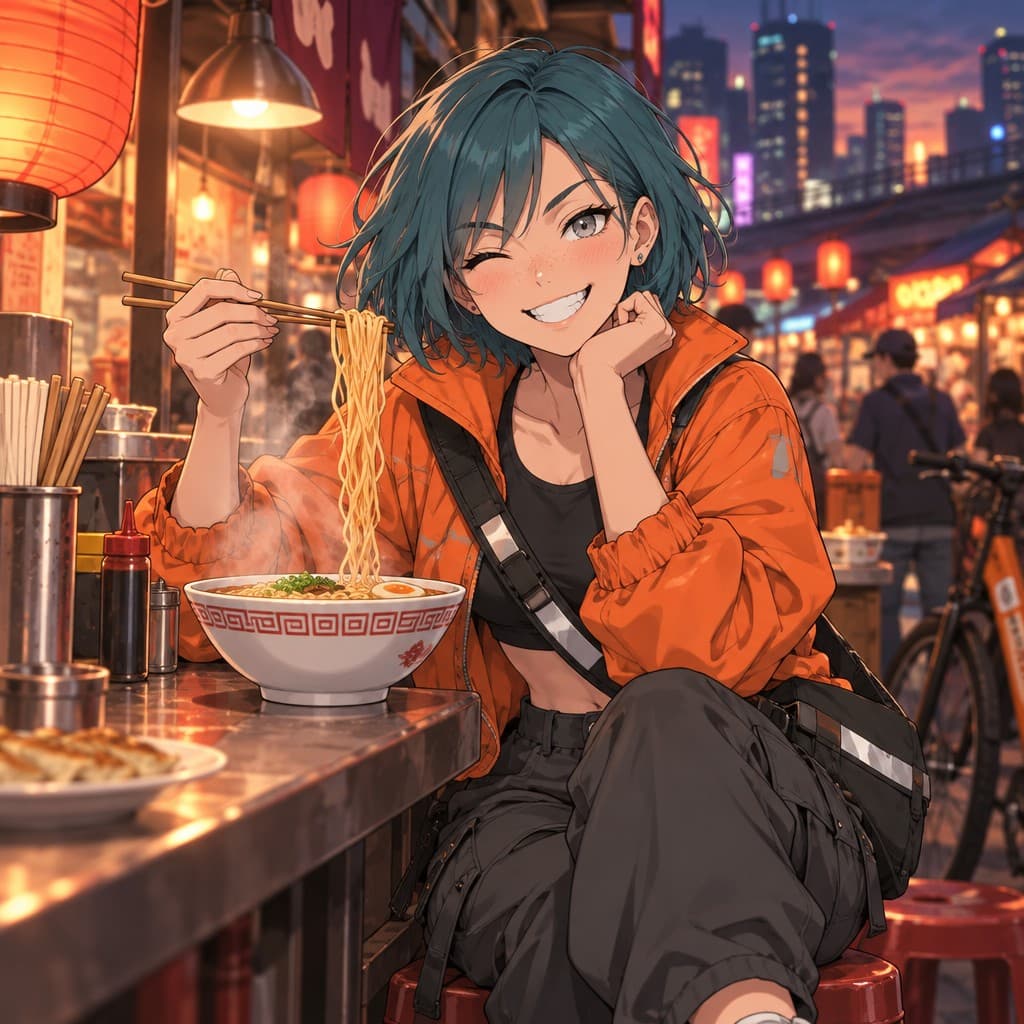
Designing an avatar that reads on stream
The avatar is usually seen at a small size in a corner, so prioritise a clear silhouette, a distinctive hair shape and one or two signature colours. Add an accessory that reads at any size (headphones, a ribbon, a floating companion). Describe the default outfit in full; alternate outfits can come later as edits or scenes. The anime style is the natural fit; cartoon and chibi suit mascot-like avatars.
Expression sets and panels
Render an expression sheet with six to eight faces on a plain background to decide how the avatar emotes. Then render stream assets: a "starting soon" scene, a "be right back" pose, a "stream ended" wave, a thumbnail pose with space for text. Square and 16:9 shapes cover most overlay slots. Clean quality is enough for overlays; Detailed for a banner you will upscale.
Alternate outfits
Use Edit on a finished render: "swap to a winter outfit with a scarf and coat", "formal suit version", "summer festival yukata". Each edit is saved as a new image, so you keep the whole wardrobe. Pin the ones you want future renders to respect, or make a separate character for a major redesign.
Clips for announcements
Animate a finished render for a debut teaser or schedule post: "waves and winks", "tilts head and smiles", "hair moves in the wind". A 5-second 1080p 9:16 clip works well for short-form announcements. Note that these are rendered video clips, not a rigged model; the sheet and expressions are what you pass to a rigger.
Briefing a rigger
A rigger needs the front view at a neutral expression, a side view, the hair shape from the back, and the expression sheet. The automatic turnaround covers the first three; render the expression sheet as a scene. Upscale the sheet to 4K so details are clear, and download everything as plain files. Note which colours are exact brand colours in your message. A clean sheet shortens the back-and-forth more than any other single thing.
If you are still choosing between two avatar directions, make both as separate characters and render the same three prompts for each: a neutral portrait, a happy full-body pose and a thumbnail pose with text space. Comparing identical prompts is the fairest way to pick, and the loser can be deleted in one click with all of its renders.
Questions
Do I get a rigged model?
No. You get a turnaround sheet, expression renders and clips to design the avatar and brief a rigger.
Can I keep several outfits?
Yes. Edits are saved as separate images; pin the ones you want future renders to follow.
What style should I use?
Anime for the classic avatar look; cartoon or chibi for mascot-style avatars.
Can I render the avatar with my logo colours?
Name the colours in the description and in scene prompts, for example "mint and charcoal palette".
More ways to use it
Start with one paragraph.
Describe the character, pick a style, and the sheet is drawn in about a minute.
Make a character